-
Custom Software Development
Custom Software Development for Business Process Automation: A Complete Guide
August 4, 2026 — By Brain Technosys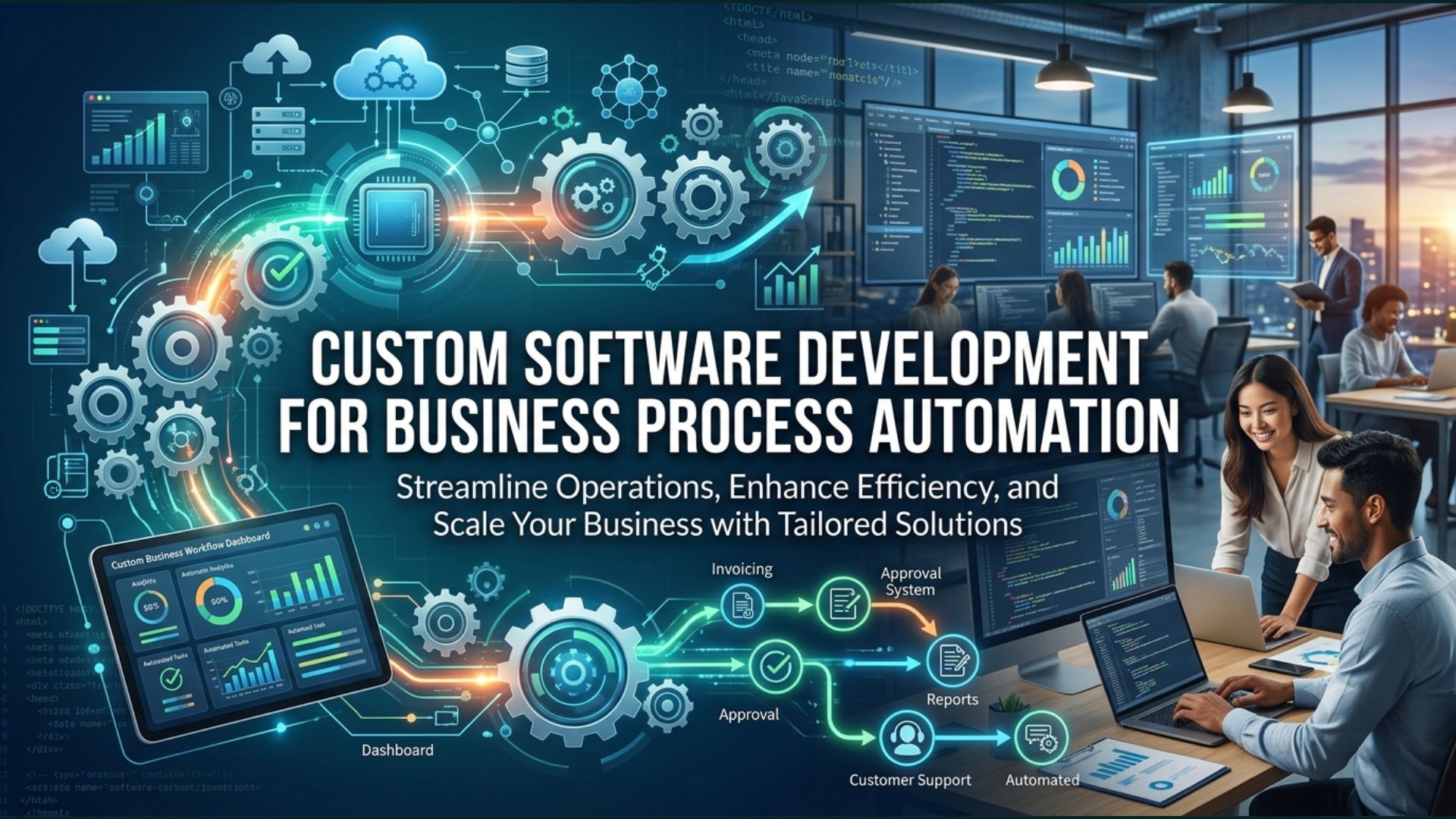
Business process automation can help organizations reduce repetitive work, improve efficiency, and create more consistent workflows. Custom software development takes this further by allowing businesses to build automation around their specific processes rather than relying entirely on generic tools. From managing customer information and inventory to automating reporting and connecting different business systems, tailored custom software solutions can address practical operational challenges. This guide explains how custom software development for business process automation works, which processes can be automated, its key benefits, and how businesses can choose the right approach for long-term efficiency and growth.
What Is Business Process Automation?
Business process automation means using technology to perform repetitive, rule-based tasks with minimal manual involvement. It can help businesses reduce unnecessary work, improve consistency, and allow employees to focus on more valuable activities.
How Business Process Automation Works
Automation starts by identifying a repetitive workflow and defining the actions that should happen automatically. For example, when a customer submits an inquiry, an automated system could record the information, notify the sales team, create a follow-up task, and update the CRM.
Manual Processes vs Automated Workflows
Manual processes often require employees to repeatedly enter information, move data between systems, send notifications, or prepare reports. This can take time and increase the possibility of human error.
Automated workflows use predefined rules to handle these repetitive steps. With custom software development, businesses can create automation that follows their actual workflows instead of forcing employees to adapt to generic processes.
How Custom Software Supports Business Process Automation
Custom software development can make business automation more effective because the software can be designed around the way a company actually works. Instead of changing existing processes to fit a generic tool, businesses can build workflows that match their specific requirements.
Building Software Around Your Business Workflow
Every business handles tasks differently. A retail company may need inventory automation, while a service business may focus more on customer management and appointment scheduling.
With custom software solutions, developers can map these processes and build features around them. This allows automation to follow the company’s actual workflow, including approvals, notifications, data collection, and task assignments.
Connecting Different Business Systems
Businesses often use multiple platforms for accounting, CRM, inventory, communication, payments, and reporting. When these systems operate separately, employees may need to move information manually between them.
Custom software can connect different systems through APIs and integrations. This can allow information to move automatically between platforms and reduce repetitive data entry.
Common Business Processes That Can Be Automated
Not every business process needs automation. The best opportunities are usually repetitive tasks that follow predictable steps and consume significant employee time.
Data Entry and Document Management
Employees may spend hours entering customer details, updating records, processing forms, or organizing documents.
Automation can capture information from forms and send it to the appropriate system. Documents can also be categorized, stored, and routed according to predefined rules.
This can reduce repetitive administrative work while making information easier to access.
Customer and Lead Management
Sales and customer service teams often handle large amounts of customer information.
A custom system can automate tasks such as lead assignment, follow-up reminders, customer notifications, status updates, and record management.
For example, when a new inquiry arrives, the system could automatically create a customer record and notify the appropriate sales representative.
Inventory and Order Management
Businesses that sell products often need to monitor inventory, process orders, and track stock movement.
Custom software development can automate inventory updates when an order is placed, generate low-stock alerts, and connect inventory information with order management systems.
This can give businesses better control over stock while reducing the need for manual updates.
Reporting and Business Analytics
Preparing reports manually can take considerable time, especially when information comes from several sources.
Automated reporting can collect relevant information and present it through dashboards or scheduled reports.
Managers can then access updated information more easily and use it to make informed business decisions.
Benefits of Custom Software for Business Automation
The main purpose of automation is not simply to reduce the number of tasks employees perform. Good automation should make business operations more reliable, efficient, and easier to manage.
Reduce Manual Work and Human Errors
Repetitive manual tasks can lead to mistakes, particularly when employees have to enter the same information across multiple systems.
Automation can handle predictable tasks consistently. This reduces unnecessary manual input and gives employees more time to focus on work that requires human judgment.
Improve Operational Efficiency
Automated workflows can move tasks from one stage to another without requiring employees to manage every small step.
For example, a completed order could automatically update inventory, generate a notification, and trigger a customer communication.
This creates a smoother workflow and reduces unnecessary delays.
Save Time and Reduce Operating Costs
When repetitive work is automated, employees can spend more time on activities that directly contribute to business growth.
Over time, better workflows can also reduce the operational effort required to manage routine processes.
The goal should not be to replace people. Instead, business process automation should help employees spend less time on repetitive administrative work and more time on valuable tasks.
Improve Data Accuracy and Visibility
When information is entered manually in different systems, inconsistencies can occur.
Integrated business software solutions can help keep information synchronized across workflows. Centralized data also makes it easier for managers to understand what is happening across different parts of the business.
Better visibility can support faster and more informed decision-making.
Custom Software vs Ready-Made Automation Tools
Businesses do not always need custom software for automation. Many ready-made tools can handle common workflows effectively.
The right choice depends on the complexity of the process, required integrations, budget, scalability, and level of customization needed.
When Off-the-Shelf Tools Are Enough
Ready-made automation tools can be a good choice when a business has straightforward requirements.
For example, a company may only need basic email automation, simple task management, appointment reminders, or standard CRM workflows.
In such cases, an existing platform may provide everything the business needs without the additional time and investment required for custom development.
When Custom Software Is a Better Choice
Custom software development services become more valuable when business processes are unique or when multiple systems need to work together.
A custom solution may be appropriate when standard tools cannot support specific workflows, require too many workarounds, or cannot provide the required level of integration, security, or scalability.
The decision should be based on the business problem rather than simply choosing the more technically advanced option.
How to Identify Processes That Should Be Automated
Automation works best when businesses choose the right processes. Trying to automate everything can create unnecessary complexity.
Find Repetitive and Time-Consuming Tasks
Start by looking for tasks employees perform repeatedly.
Examples include entering information, sending routine notifications, creating reports, checking inventory, assigning leads, or moving data between systems.
If a task happens frequently and follows predictable steps, it may be a good candidate for automation.
Evaluate Business Impact
Not every repetitive task deserves immediate automation.
Consider how much time the process consumes, how frequently errors occur, how many employees are involved, and whether delays affect customers or revenue.
A process with a high operational impact should generally receive more attention than a task that takes only a few minutes each week.
Prioritize Automation Opportunities
After identifying potential processes, rank them according to business value and implementation complexity.
Start with processes where automation can provide a clear benefit without introducing unnecessary technical complexity.
This approach allows businesses to improve gradually instead of trying to automate every workflow at once.
Custom Software Development Process for Automation
A successful automation project needs more than software development. The team must understand the business workflow before deciding how technology should be applied.
Requirements Analysis and Workflow Mapping
The first step is understanding how the current process works.
The development team can document each stage, identify who performs the task, determine which systems are involved, and find areas where delays or repetitive work occur.
This information helps define what the automation needs to accomplish.
Software Design and Development
Once requirements are clear, designers and developers create the solution.
The design should focus on making the automated workflow easy to manage while ensuring that employees still have control where human decisions are required.
During development, features, integrations, user roles, and automation rules are implemented according to the agreed requirements.
Integration and Testing
Automation often depends on multiple systems communicating correctly.
Developers test APIs, data transfers, user permissions, workflows, and individual features to make sure information moves correctly between systems.
Testing is particularly important for automation because an incorrect rule can affect many transactions or records.
Deployment and Ongoing Support
After testing, the solution is deployed for real-world use.
However, deployment is not the end. Businesses may discover new requirements after employees start using the system.
Ongoing software development services can include bug fixes, security updates, performance improvements, new integrations, and additional automation features.
How Much Does Business Process Automation Cost?
There is no fixed price for business process automation because every project has different requirements.
The cost can depend on factors such as the number of workflows, software features, integrations, technology stack, security requirements, user roles, data migration, testing, and ongoing support.
A simple automation connected to one system may require relatively little development, while a large platform connecting multiple business systems can require considerably more planning and development.
Before estimating cost, businesses should clearly define the processes they want to automate and the results they expect.
How to Choose a Custom Software Development Company
Choosing the right custom software development company is important because the development partner needs to understand both technology and business operations.
Technical Expertise and Industry Experience
Look for a team with experience developing software similar to your requirements.
Review previous projects, technical capabilities, development methodology, and experience with the platforms and integrations your business uses.
Industry experience can also be valuable because the development team may already understand common workflows and challenges within your sector.
Integration, Security, and Scalability
A good solution should not only automate today’s processes. It should also be capable of supporting future changes.
Ask how the company approaches API integrations, data security, system architecture, performance, backups, and scalability.
These factors become particularly important when automation involves sensitive business or customer information.
Post-Launch Support
Software needs attention after launch. Ask about maintenance, technical support, security updates, bug fixes, monitoring, and future improvements.
A reliable development partner should be able to support the application as business requirements evolve.
Frequently Asked Questions
What is business process automation?
Business process automation uses technology to perform repetitive and rule-based business tasks with minimal manual intervention. It can help improve efficiency, consistency, and workflow management.
What processes can be automated with custom software?
Common examples include data entry, customer management, lead assignment, inventory updates, order processing, notifications, document management, reporting, and communication between different business systems.
Is custom software better than automation tools?
Not necessarily. Ready-made automation tools can be effective for simple and standard workflows. Custom software solutions are more useful when businesses have unique requirements, complex integrations, or specific scalability and security needs.
How does automation improve business efficiency?
Automation reduces repetitive manual work, speeds up workflows, minimizes avoidable errors, and allows employees to focus on tasks that require judgment, creativity, and customer interaction.
How long does custom automation software take to develop?
The timeline depends on the project’s scope, number of workflows, integrations, features, testing requirements, and complexity. A simple automation project may take less time than a large platform connecting multiple systems.
Final Thoughts
Business process automation is most effective when it solves a real operational problem. The goal should not be to automate tasks simply because technology makes it possible. Instead, businesses should identify repetitive or inefficient workflows and determine where automation can create measurable value.
Custom software development can be especially useful when existing automation tools cannot accommodate unique business processes. By combining tailored workflows, system integrations, automation, and scalable architecture, businesses can build technology that grows alongside their operations.
For organizations considering automation, the best starting point is simple: understand your current processes, identify the biggest sources of wasted time or errors, and then determine which workflows can benefit most from custom software development services.
Recent Posts
-

Benefits of AI for Businesses: How Artificial Intelligence Drives Growth
September 17, 2026
-

What Is AI Software Development? A Complete Guide for Businesses
September 11, 2026
-

Benefits of Custom Software Development for Modern Businesses
September 2, 2026
-

Hire the Best Angular Developers - Brain Technosys
August 21, 2026
-
Categories
- .NET development
- Agile Project Management
- AI development
- android app development
- Angular Developer
- Apps Development
- Bing Webmasters
- Blog Marketing
- Cloud Services
- Custom Software Development
- Digital Marketing
- E-Commerce
- Flutter App Development
- Google Adwords
- google map
- Google Update
- Google Webmasters
- Hire Developers
- HTML
- internet marketing
- Ios App Development
- iphone app development
- Local SEO
- magento development
- MEAN vs MERN Stack Development
- mobile app development
- Mobile Update
- News & Events
- PPC
- Search Engine Optimization
- Seo
- Social Media Marketing
- Tech
- Uncategorized
- Web Design
- Web Development
- Web Hosting
- WooCommerce Development


